Product concept website
3 minute readPresence Box
A product concept website with Core/Pro comparison, an interactive 3D design studio and a configuration-led enquiry.
Overview
The project at a glance
The problem An unfamiliar product idea needs a clear explanation before someone can decide whether it fits their home or professional setting.
What I built A product website with Core and Pro comparison, a 3D studio for models, finishes and engraving, a professional-use path and configuration-led email enquiry preparation.
What needed care The site needs to explain a developing concept while making it clear that availability, specifications and pricing still require confirmation.
What it makes possible Visitors can understand the concept, compare intended uses and prepare an enquiry. The website supports the next stage of product development.
The brief
Make an unfamiliar idea easy to understand
Presence Box is a product concept for giving phones a deliberate place during meals, conversations and focused sessions. The website needed to explain the idea as a simple shared ritual, while giving visitors enough detail to explore the object and its intended uses.
The homepage introduces that ritual through three steps: phones in, lid down, and be here. A restrained dark palette, generous type and concept imagery create a quiet setting for the product. The website connects the initial story with model comparison, personalisation and a clear enquiry route.
- A shared ritual explained in three steps
- A consistent dark visual direction
- Product discovery connected to enquiry
- A product idea introduced through shared attention
The product
Compare the object and its intended use
The product page explains the material direction, interior dividers and design differences between Core and Pro. Core is presented as a passive everyday option; Pro adds proposed session features for facilitated spaces. A structured comparison brings intended use, capacity, power and guide pricing into the same view.
The page also gives design validation a clear place in the story. Dimensions and performance remain subject to confirmation, and the website distinguishes a visible device boundary from a guarantee of privacy. That clarity is part of presenting a developing physical product responsibly.
- Core and Pro compared side by side
- Material and interior design explained
- Design targets and validation clearly identified
- Capacity, power and guide pricing together
The design studio
Let people explore their own version
The interactive 3D studio makes the product tangible before an enquiry. Visitors can rotate and zoom the model, switch camera views, open the lid and display dimensions. Model and finish controls connect directly with the visual preview, including walnut, oak and black-ash directions.
Engraving adds text, letterform and scale choices alongside the rendered object. Separate design, mark and space tabs keep the decisions organised. Preview export, a design brief and locally saved selections help visitors return to an idea, while the continuation link carries their configuration into the enquiry journey.
- 3D rotation, camera views and an opening lid
- Model, finish and engraving choices
- A saved design carried into the next step
- Preview export and a design brief
Professional spaces
Give a different audience its own path
The professional page introduces Presence Box Pro through rooms where attention matters: therapy and coaching, meetings and workshops, retreats and hospitality. It connects the proposed session timer and device ritual with practical questions about how the object might be introduced.
The content asks people to define the moment, agree on the boundary and make the introduction repeatable. Consent, essential-contact needs and accessibility exceptions remain visible. Calls to configure Pro lead into a model-specific enquiry, giving professional visitors a relevant starting point without treating the concept as a validated security product.
- A dedicated Pro and professional-use journey
- A practical introduction for shared spaces
- Model-specific enquiry links
- Consent and accessibility exceptions kept visible
The enquiry
Carry the design into a useful conversation
The enquiry page brings together model, finish, quantity and optional extras with an indicative estimate. Visitors can return to the 3D studio to refine the design, then provide their name, email, organisation and additional requirements when they are ready.
The website prepares an enquiry for the visitor’s email app. It takes no payment on the page, and final specifications, availability, engraving, shipping and price are confirmed by email. This gives a developing product a practical next step: an informed conversation built around the visitor’s chosen configuration.
- Model, finish, quantity and extras together
- An indicative estimate before contact
- Email enquiry preparation with no payment
- Final specifications and shipping confirmed by email
The result
Visitors can understand the concept, compare intended uses and prepare an enquiry. The website supports the next stage of product development.
Good work starts with the right conversation.
Let's talk about your projectGallery
The project in pictures
A different challenge. The same care.
View all work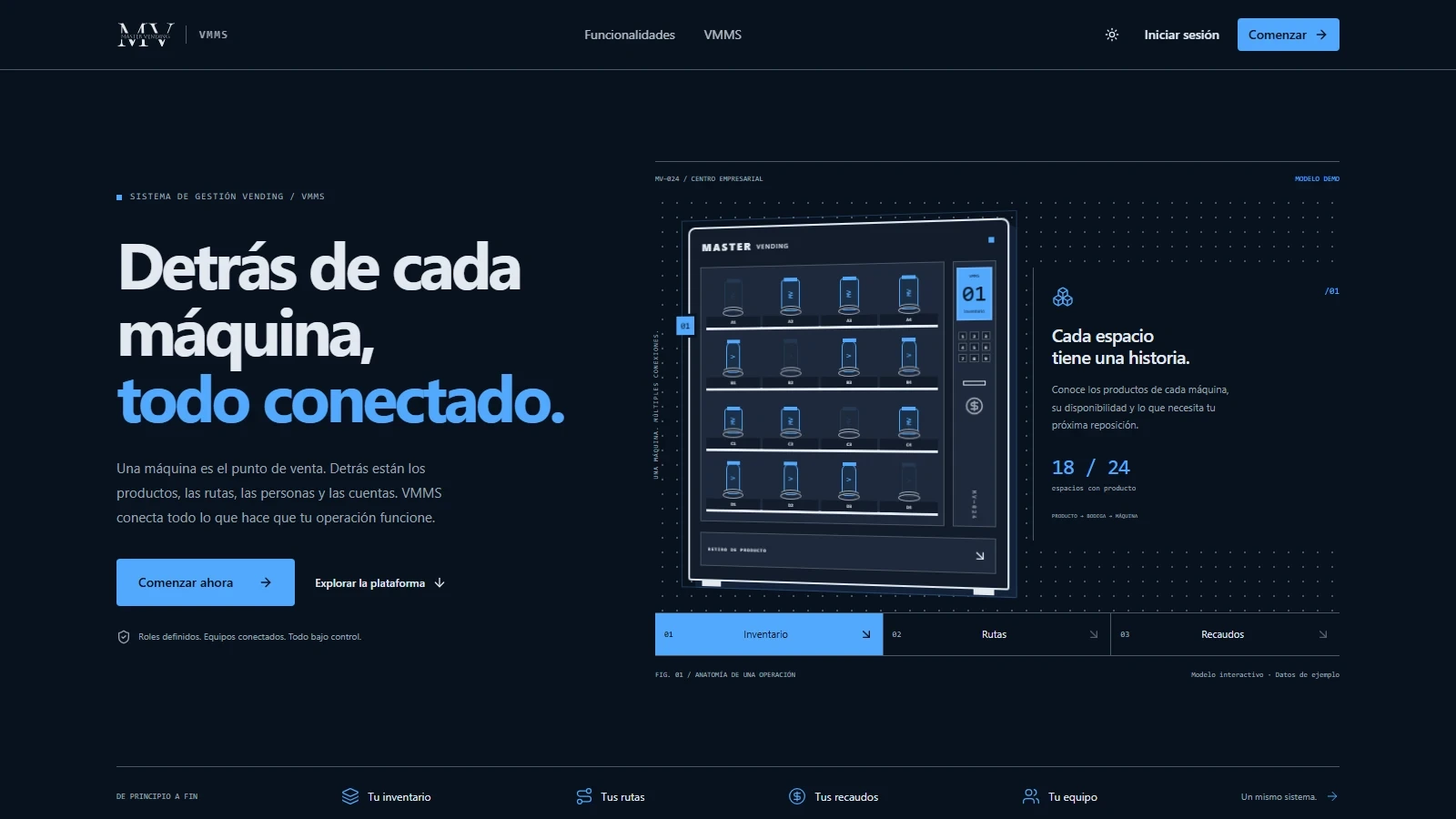
Master Vending
A vending service website for Antofagasta and VMMS, a connected platform for inventory, routes, collections and field teams.
Discover the project